 PS Evolution
How to add a Tribal Wars account to PS Evolution (one or many)
For the app to work on a game account, you enter the Tribal Wars server (country), world, username and password. A proxy is optional and only needed when you have more than one account in the same world.
The app does not check the password when you add the account. The game itself checks it, in the login window that opens the first time you start the account (with your username and password already filled in; you click log in and complete the check).
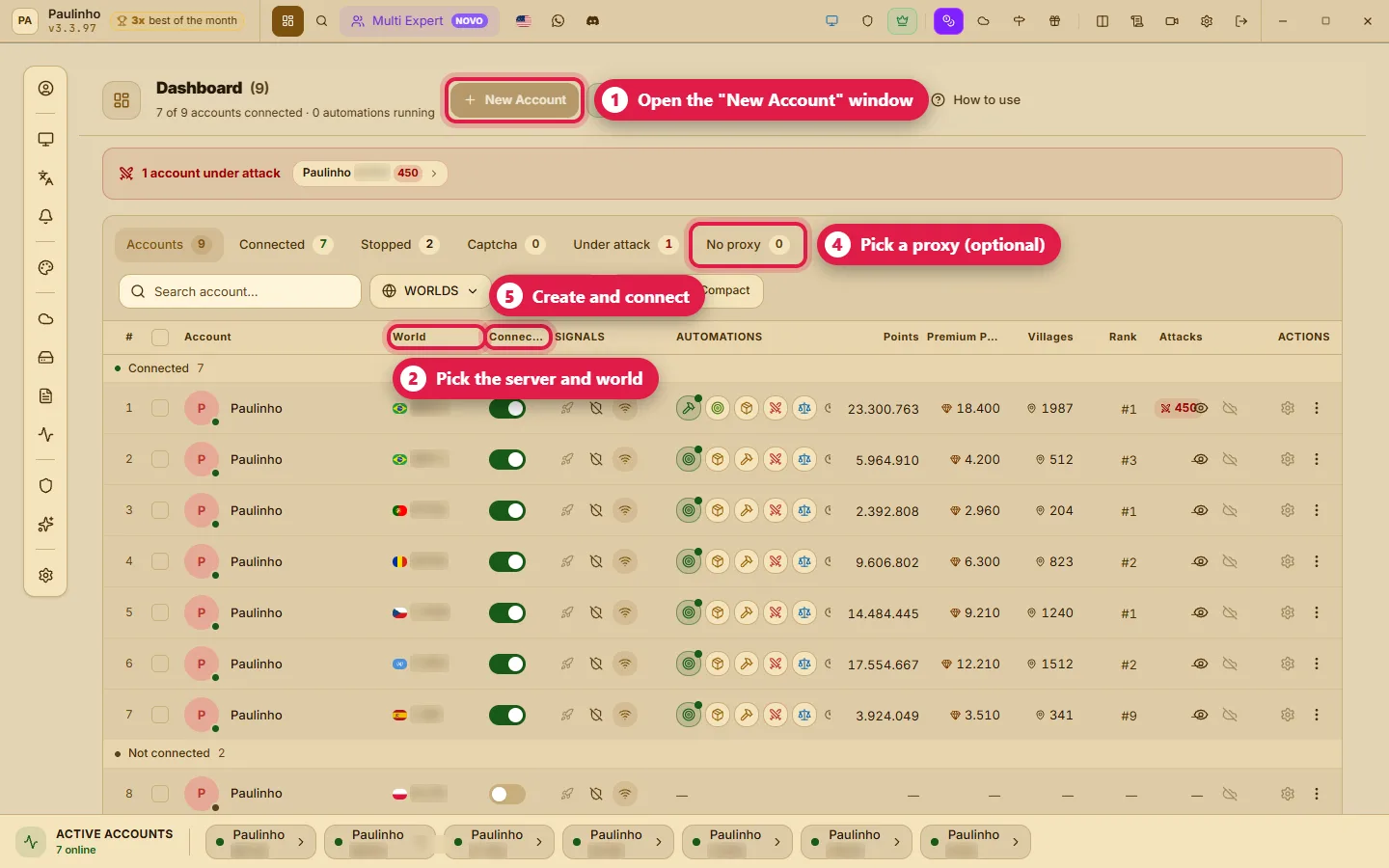
Step by step
-
Open the "New Account" window
On the Dashboard, click "New Account". The window has two tabs: "Single account" and "Bulk".
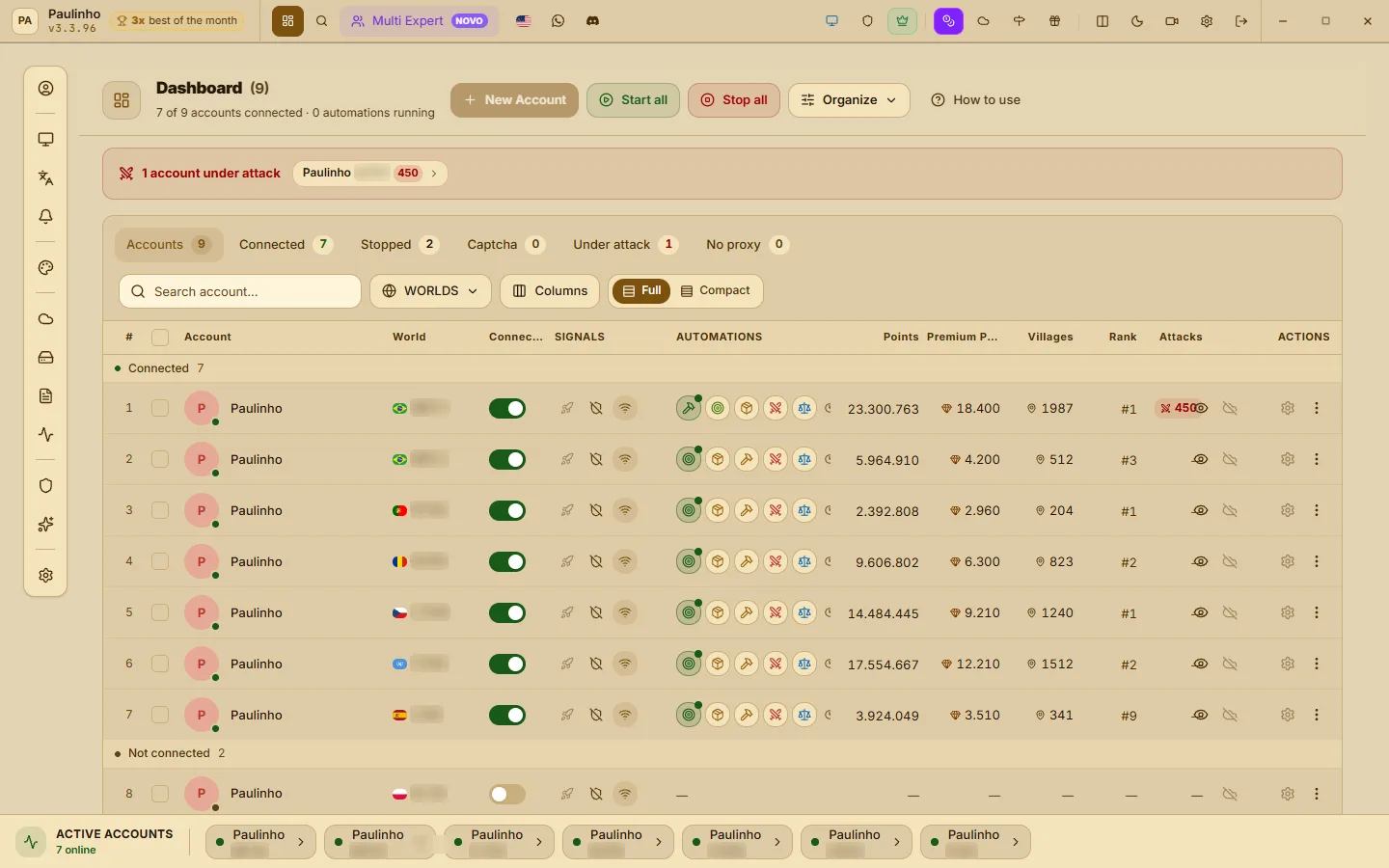
Open the "New Account" window -
Pick the server and world
In "Server", click "Select a server..." and choose your account's country (you can use "Search server..."). In "World", click the world you play on. If the list does not load, type the world by hand, like
en123. -
Enter your game username and password
In "Credentials", fill in "Username" and "Password" exactly as you log in to Tribal Wars. They are stored on this computer and used to fill in the game's login window.
-
Pick a proxy (optional)
In "Proxy", leave "No Proxy" for your main account. For a second account in the same world, pick a free proxy from the list or click "Add Proxy" and enter Name, Host, Port, Protocol (http, https or socks5) and, if there is one, username and password. If you already have proxies registered, the app preselects the least used one.
-
Create and connect
Click "Create Account" (Enter moves field by field and creates the account at the end). The account shows up stopped in the list. Turn on the switch in the "Connection" column: the first time, the game window opens with your username and password filled in. Click log in, complete the check and the app connects on its own.
-
Many accounts at once
On the "Bulk" tab, paste one account per line in the format
user|password,user|password|en131oruser|password|en131|host:port:login:password(accepted separators: | ; , :). You can also use "Import file" or drag in a .txt or .csv file. In "Batch defaults", set the server, world and groups for lines that do not include them. Check the "Review" table, use "Distribute proxies" if you want, and click "Add".
What each option does
| Option | What it is for |
|---|---|
| No Proxy | The account goes out through your computer's IP. Recommended for your main account. |
| Free / 1 account / N accounts | How many accounts already use each proxy in the list. Using the same IP on several accounts in the same world increases the ban risk. |
| Distribute proxies | In bulk mode, gives each account the least used proxy, counting the accounts you already have. |
| ready / invalid / duplicate / world missing / conflict | Status of each line in the review. Only "ready" lines join the batch; "conflict" means a proxy that cannot be used in that world. |
Tips
- Proxy bought in the store: one account per proxy. Your own proxy: you can reuse it, as long as it is in different worlds.
- If you have a Profile set as the new account default, it is applied on its own to every account you add.
- When you start several accounts at once, the login windows open one at a time: the next one only opens when the previous one is done.
Common problems
The "New Account" button is grayed out
This computer is not the Main one. Adding and connecting accounts only works on the Main computer (see the Sync PCs tutorial).
My world is not in the list
When the list does not load, a field appears to type the world. Write the prefix and the number, like en123.
In bulk mode, some lines were left out
Invalid, duplicate or world-less lines are not added. Set the world in "Batch defaults" or fix the line. Accounts with a conflicting proxy are also left out until you change or remove the proxy.
I typed the wrong password when adding the account
No problem: you can fix it by hand in the game's login window. Then update the password in Configure > "Login Credentials" so it is right next time.
See also
Do not have PS Evolution yet?
The download is free: download it, create your account inside the app and try everything for 24 hours, no card.